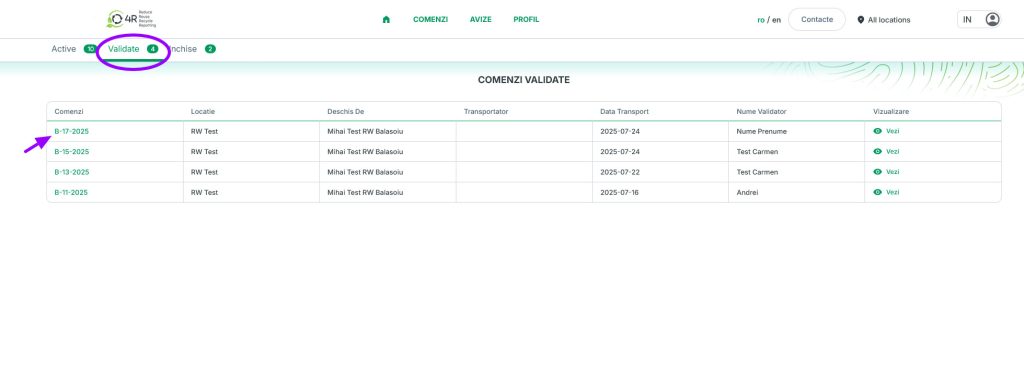
The conditions for confirming an order are detailed below. Please follow these steps:
WARNING! Orders are validated exclusively by the Partner or Collector
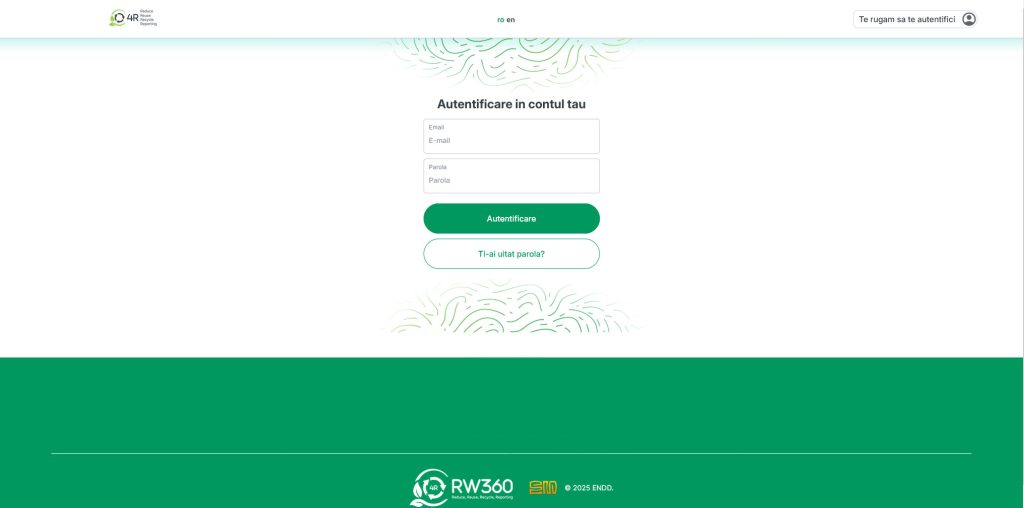
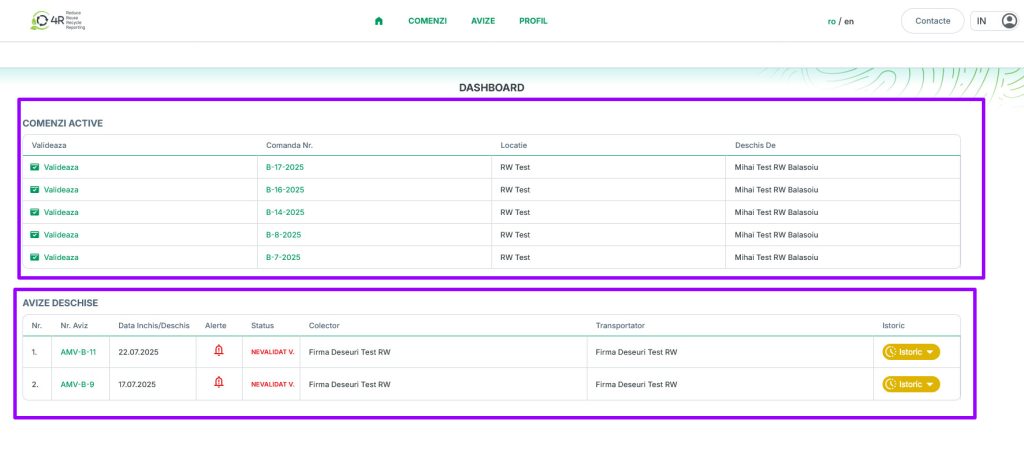
1.Log in to your account; on the home page, you’ll see two lists: Active Orders and Open Notifications (if they don’t appear, you can access them from the main menu under “Orders”)
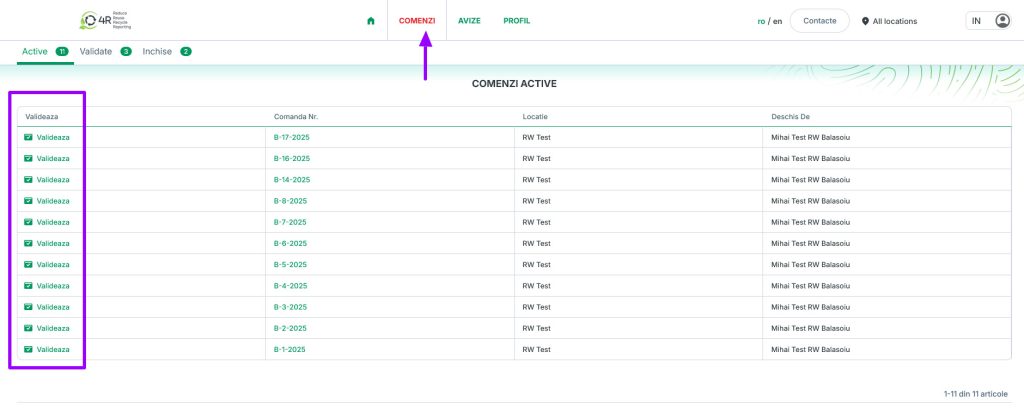
2.From the list of active orders, you can confirm the order you’re interested in by clicking the “Confirm” button in the first column of the table
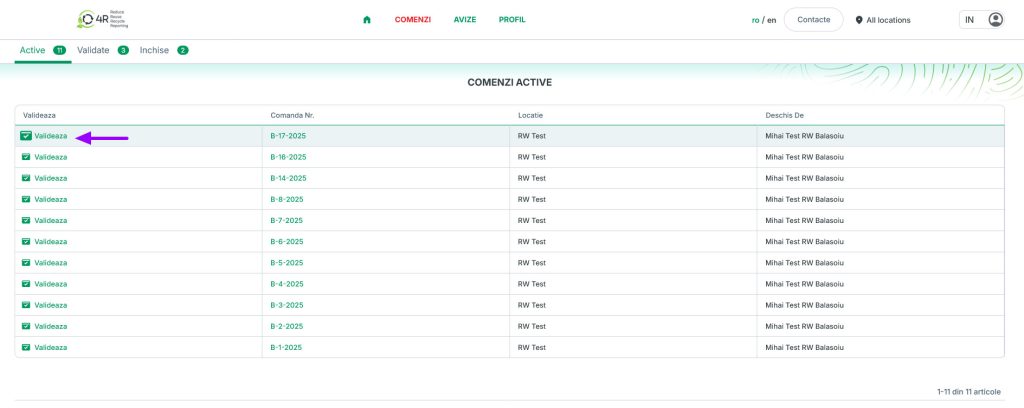
3.After clicking the “Validate” button, a command window opens where you must enter:
3.1.Key details, where you select the date from the calendar and the transporter
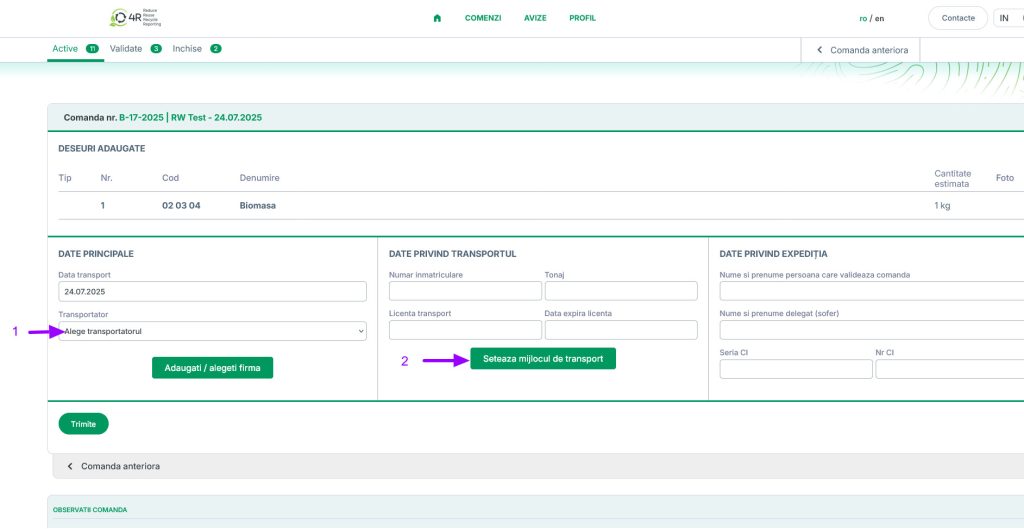
3.2.If no carrier is selected in the “Main Details” box, the following message will appear
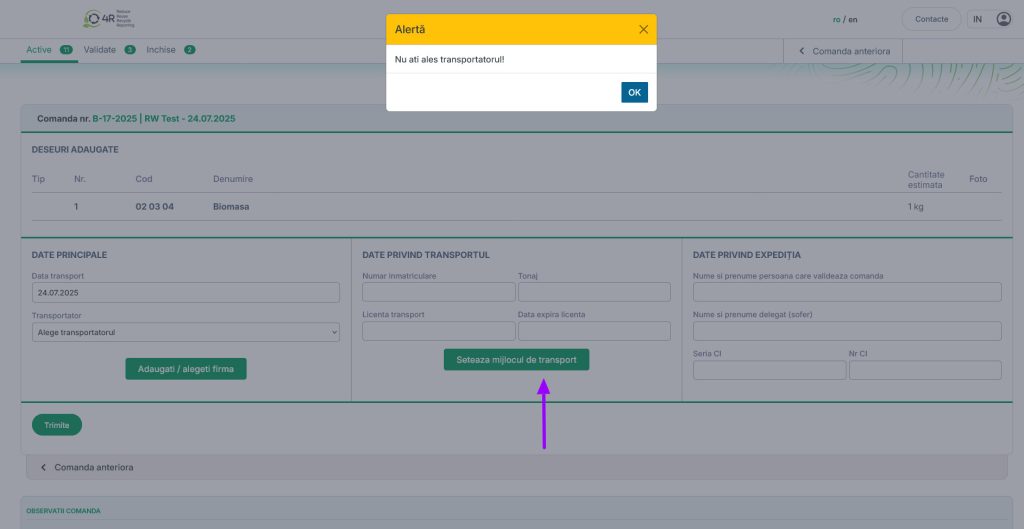
3.3.If the carrier’s information does not appear in the list, you can add it by clicking the green button – Add/Select Company
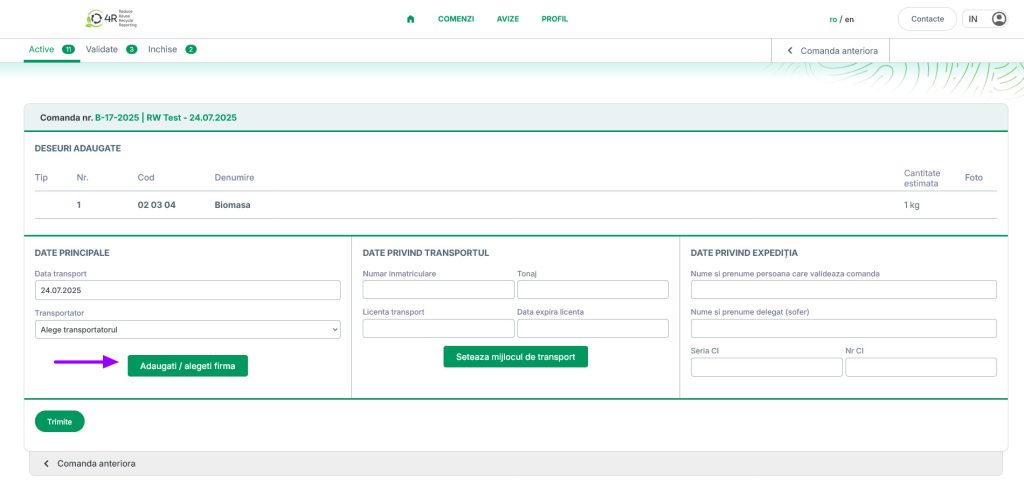
3.4.WARNING! In the “Add Carrier” window, carefully enter the company’s information and click “Save”

3.5.Date oprivind transportul – se apasa butonul Seteaza mijloc de transport si apare fereastra Adauga licenta, ( unde exista o lista de numere de masini salvata anterior sau poate fi adaugata manual completand campurile cu atentie)
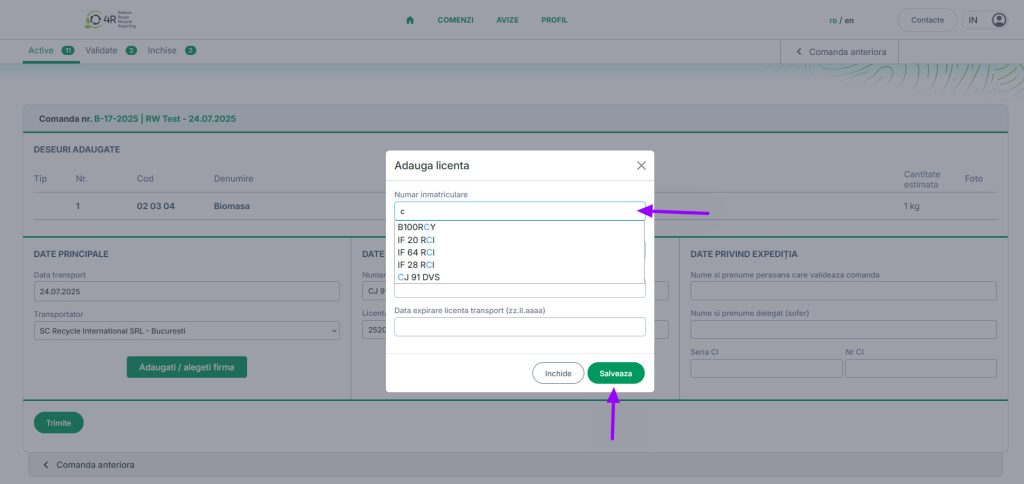
3.6.Date privind expeditia unde se completeaza: – Nume si prenume persoana care valideaza comanda, Numele si prenumele soferului si seria si numarul actului de identitate)
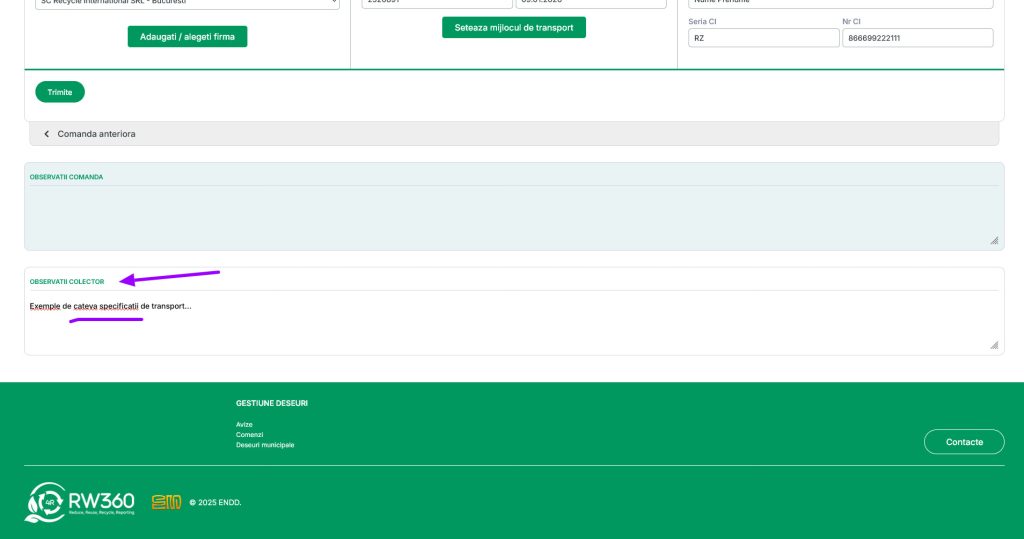
ATENTIE! pot fi adaugate observatii, daca sunt, din partea Partenerului sau Colectorului in casuta din partea de jos a comenzii
3.7.Se apasa butonul Trimite
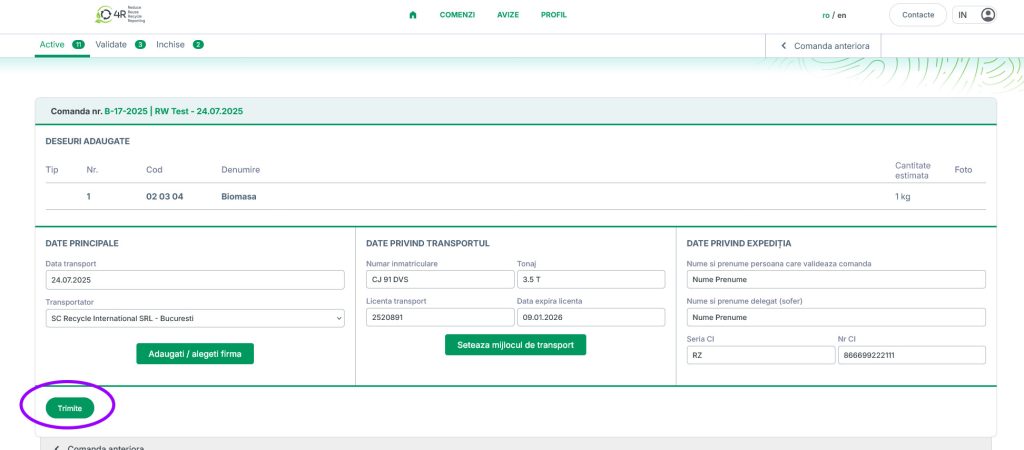
4.Comanda a trecut acum in tab-ul Validate